Description
Key Features of Control Cockpit:
- Comprehensive Device Management
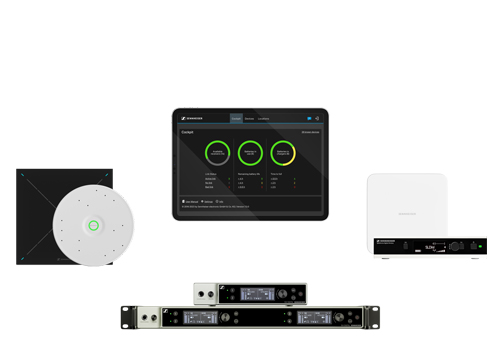
- Provides an intuitive interface for monitoring and controlling all network-enabled Sennheiser devices.
- Real-Time Status Overview
- Displays essential status information at a glance, simplifying device troubleshooting and maintenance.
- Batch Configuration
- Adjust settings for one or multiple devices simultaneously, saving time and effort.
- New in Release 8.0 and 8.1:
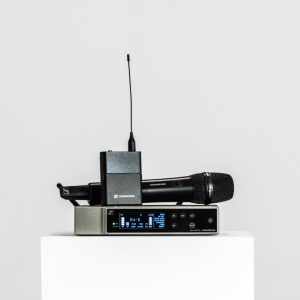
- EW-DX Integration: Full support for the EW-DX portfolio, including the EW-DX EM 4 Dante Receiver.
- Cascaded Charger Support: Manage up to 5 cascaded CHG70N-C chargers for streamlined configurations.
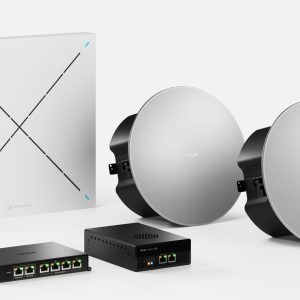
- TC Bar Integration: Enables easy configuration of TeamConnect Bars directly within the software.
- Intelligent Noise Control: Enhances meeting experiences by focusing on room voices and reducing noise for better intelligibility.
- Broad Device Support
- Compatible with SpeechLine Digital Wireless, TeamConnect Ceiling microphones, EW-DX, and TeamConnect Bars, enabling centralized control of diverse systems.
- Enhanced User Experience
- Designed with a user-friendly interface for smooth navigation and quick adjustments.
- Network-Enabled Access
- Provides remote management capabilities for devices across large or complex setups.


Reviews
There are no reviews yet.